JPLAY 1.4.5 adds artist and album descriptions for local library music

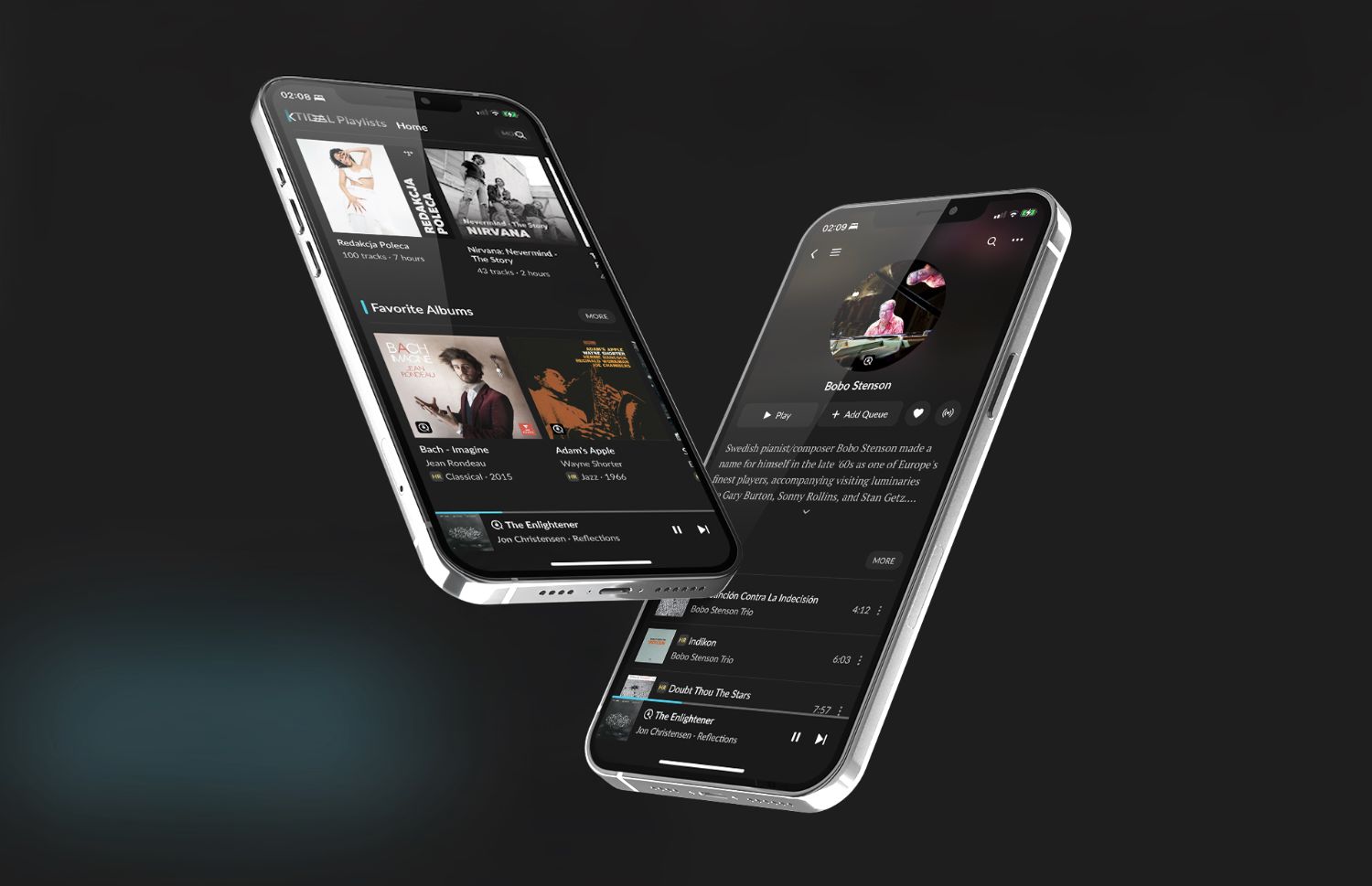
JPLAY 1.4.5 is now available on the App Store. This update brings the stories behind the music to your own library, opens up Qobuz by record label, and adds new ways to annotate, organize, and export your collection. Here’s what’s new.
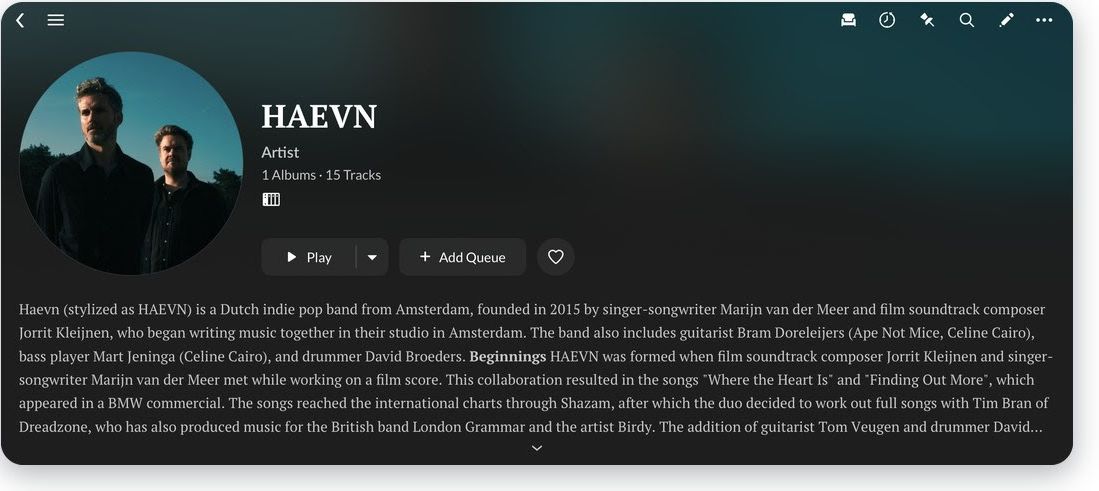
Wikipedia for your local library
Streaming services come with artist biographies and album notes, but your own files usually don’t. Now they do: JPLAY shows artist biographies and album descriptions from Wikipedia for the music in your local library, so you can read about an artist or an album while it plays.
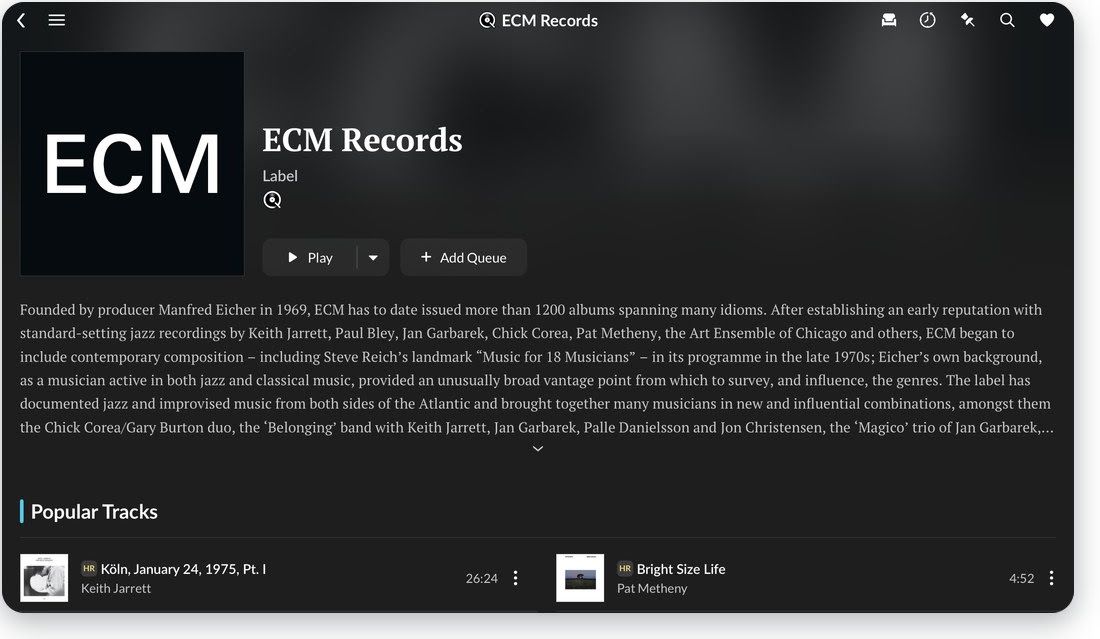
Explore Qobuz by record label
Great labels have a sound of their own. The new Labels screen opens a label’s page on Qobuz: read its story, play its most popular tracks with one tap or add them to your queue, and keep the labels you love close at hand in My Labels.
Quicker actions
The context menu gets you to the actions you use most in fewer taps.
Your own notes
Add notes to albums and tracks: a favorite pressing, a recording detail, a reminder for next time.
Export and import
Export tracks and import them later into playlists or tags.
Export to Excel
Export your tracks and albums to an Excel spreadsheet, handy for cataloging your collection.
How to get JPLAY 1.4.5
The update is free for all JPLAY users: open the App Store and tap Update on JPLAY.
New to JPLAY?
Download it from the App Store and try it free for two weeks. JPLAY runs on iPhone, iPad and Apple Silicon Macs, with a Yearly Subscription at $49 or a Lifetime License at $199 (current subscribers can upgrade to Lifetime for $149).
External Links
For more information, visit the website: https://jplay.app/
JPLAY Certified Partners: jplay.app/partner-program


